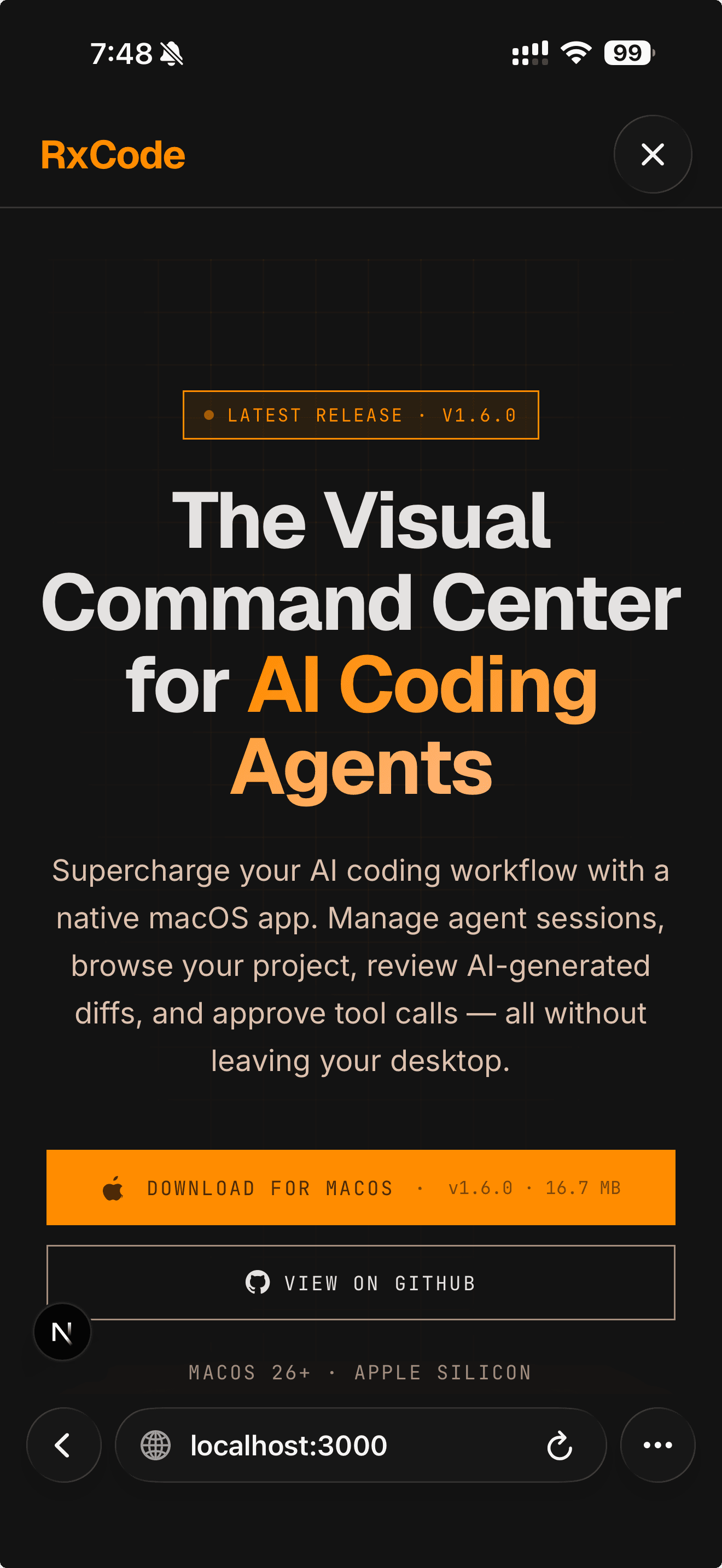
Latest release · v1.5.0

The Visual Command Center for AI Coding Agents

Supercharge your AI coding workflow with a native macOS app. Manage agent sessions, browse your project, review AI-generated diffs, and approve tool calls — all without leaving your desktop.

macOS 26+ · Apple Silicon

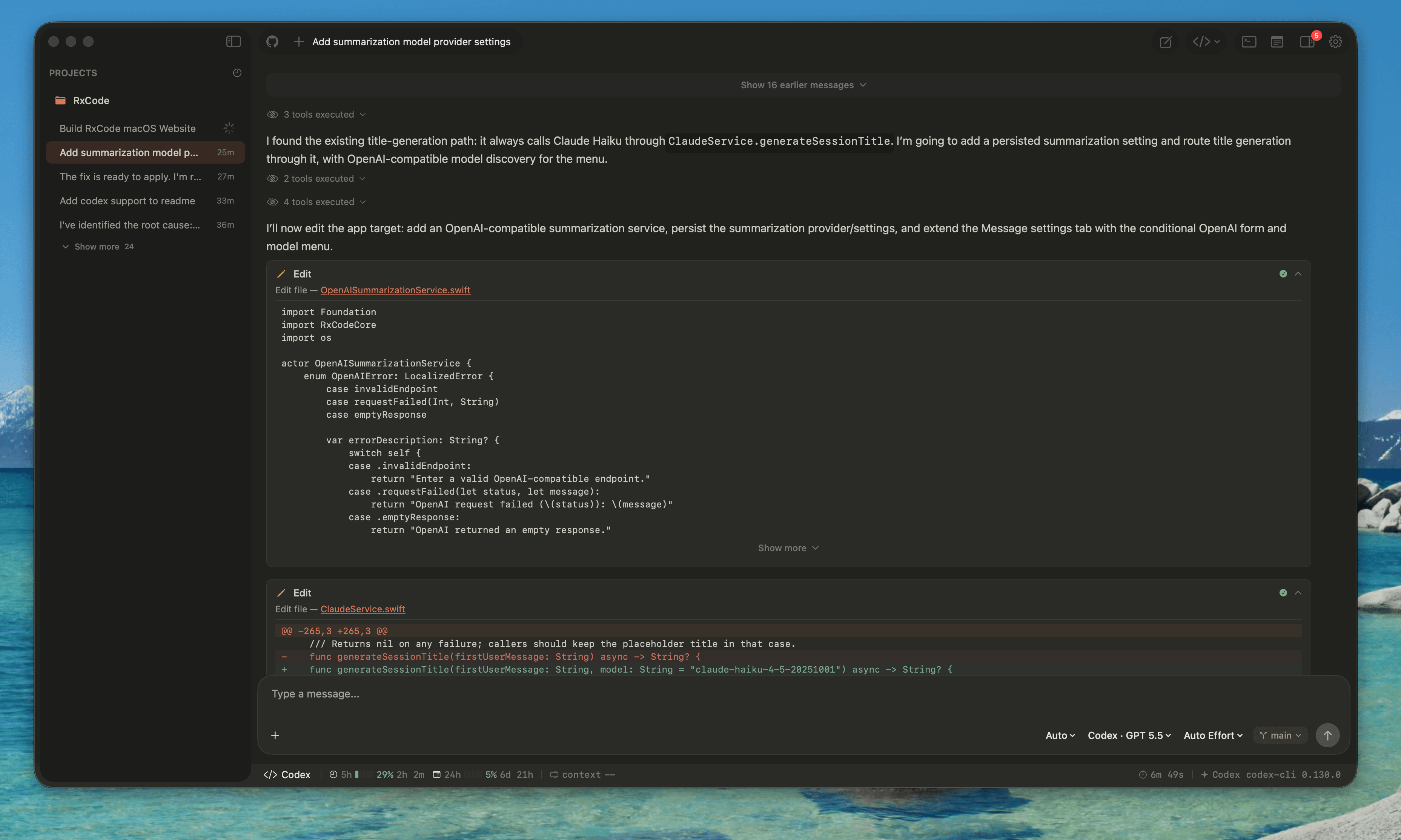
RxCode showing an active coding session with a diff and streaming response

Live session · diff review · streaming response

Supported Agents

Claude Code and Codex are built in, and RxCode also supports every client that speaks the Agent Client Protocol. Use the ACP registry to add clients such as Gemini CLI and OpenCode directly from Settings.

Claude Code

Anthropic

Drive Claude Code sessions visually. Stream responses, approve tool calls with risk-based modals, and inspect every file the agent touches.

Integrated & live

Codex

OpenAI

Run Codex inside the same interface. Switch between agents per project, with a unified session history, model picker, and permission flow.

Integrated & live

ACP Clients

Protocol

Install and run ACP-compatible clients such as Gemini CLI, OpenCode, and registry agents. All ACP clients use the same chat, approval, and project workflow.

Integrated & live
Features
Agent Runtime

Support multiple agents

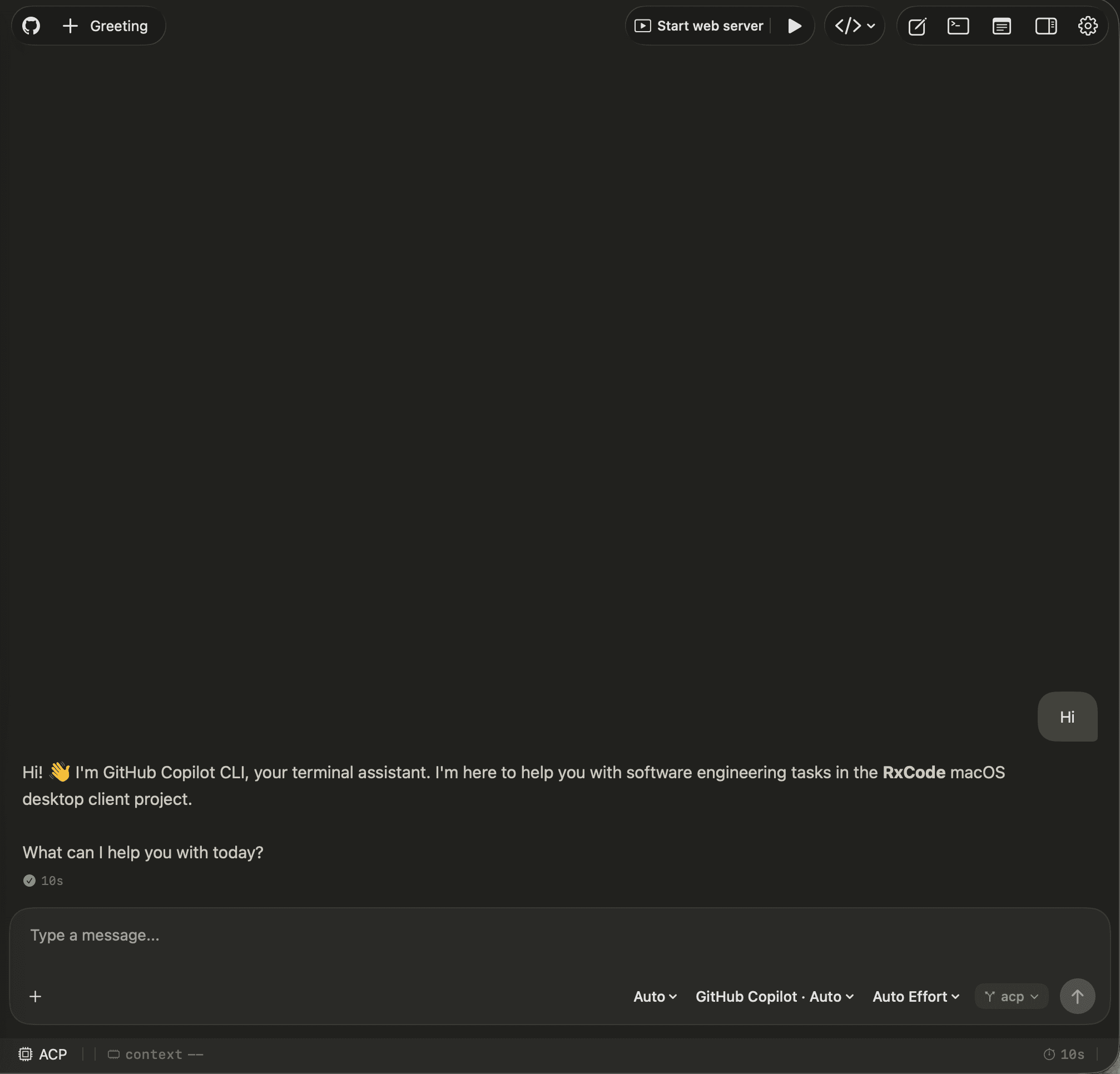
Run Claude Code, Codex, Gemini CLI, OpenCode, and any Agent Client Protocol runtime from the same native workspace. Pick the client and model per session without changing how you manage projects.

RxCode running an ACP client session with model and usage controls visible
ACP Registry

Install ACP clients directly

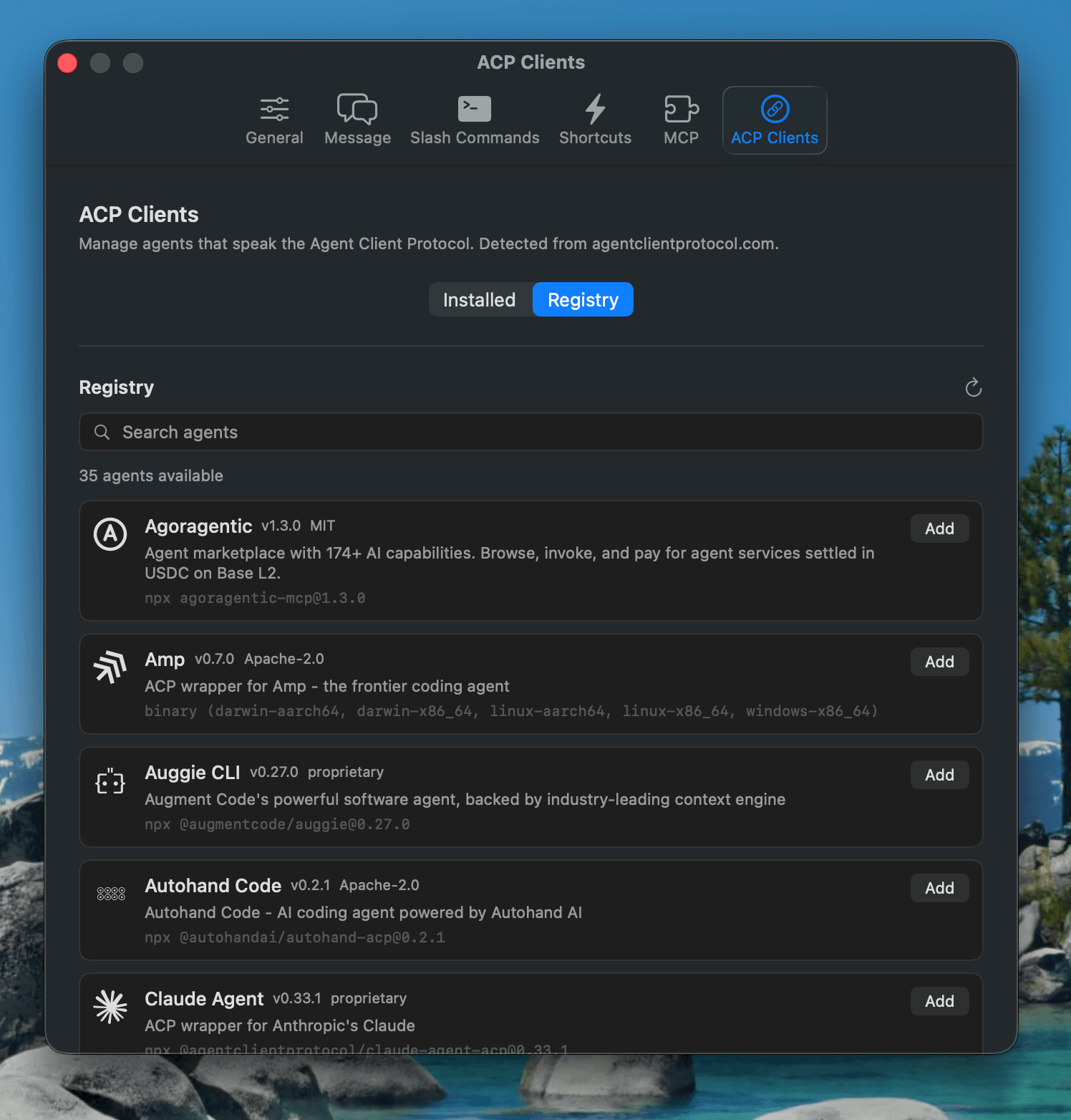
Browse the public ACP registry from Settings, install compatible clients in one step, and add registry agents to the chat model picker without manual setup.

RxCode Settings window showing ACP client registry installation
Native macOS

Liquid glass, pure SwiftUI

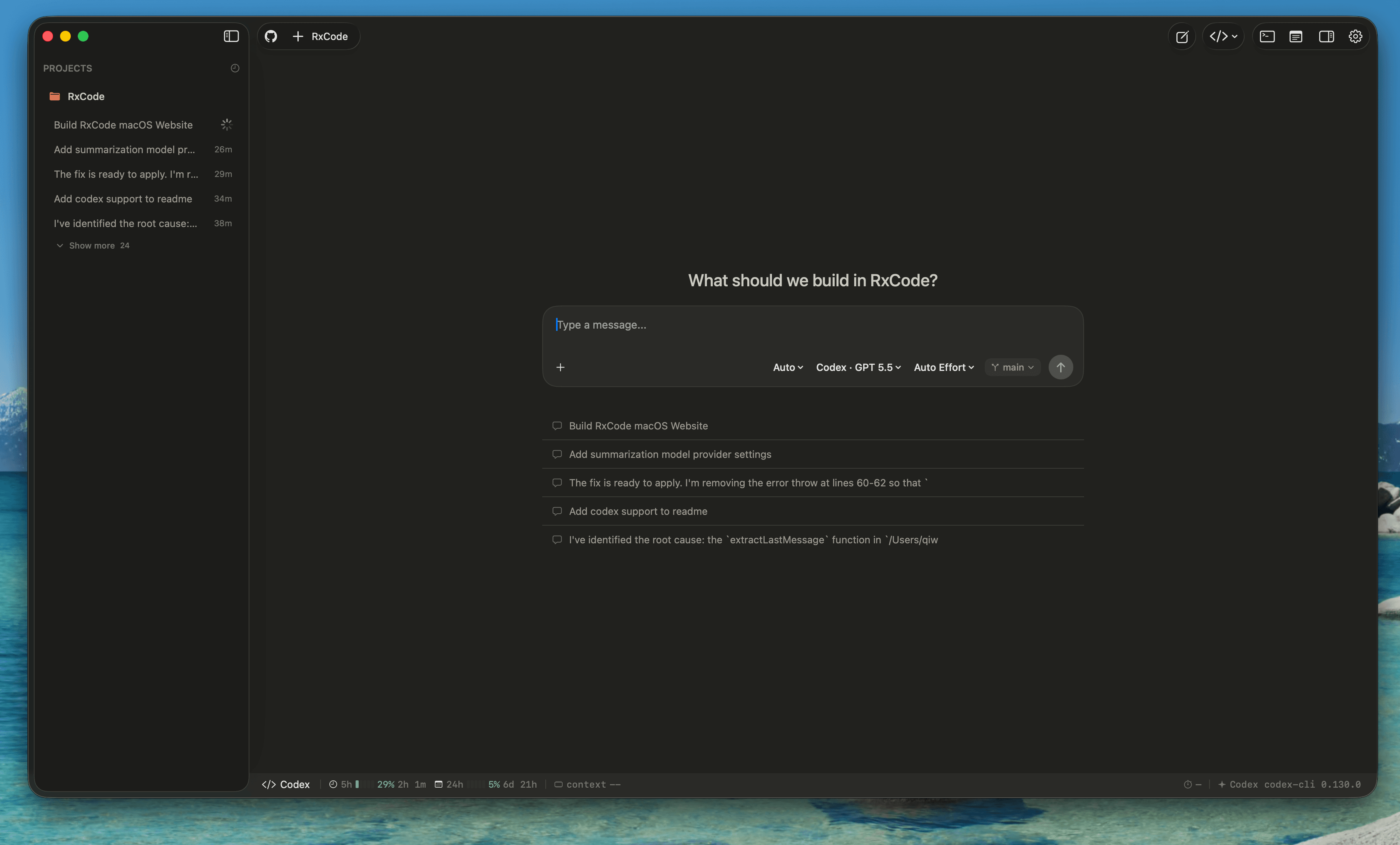
A lightweight native app with macOS materials, responsive SwiftUI views, and no bundled browser runtime. Fast to launch, fast to stream, and designed for the desktop.

RxCode native macOS workspace with sidebar, prompt composer, and status bar
Run Profiles

Launch project workflows

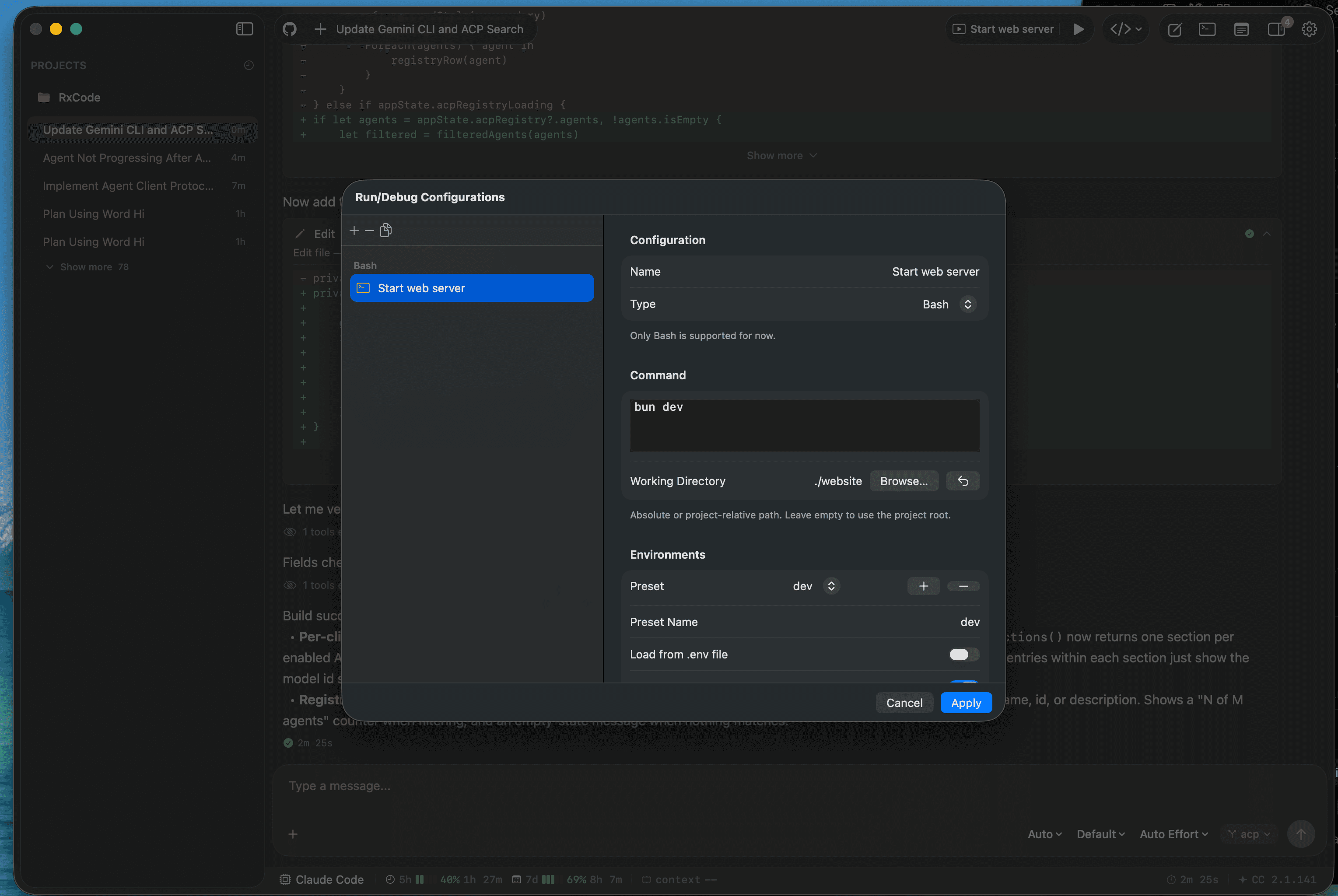
Create repeatable project tasks, run them from the toolbar, and inspect command output without leaving the app.

RxCode run profile controls and output inspector
MCP

MCP support built in

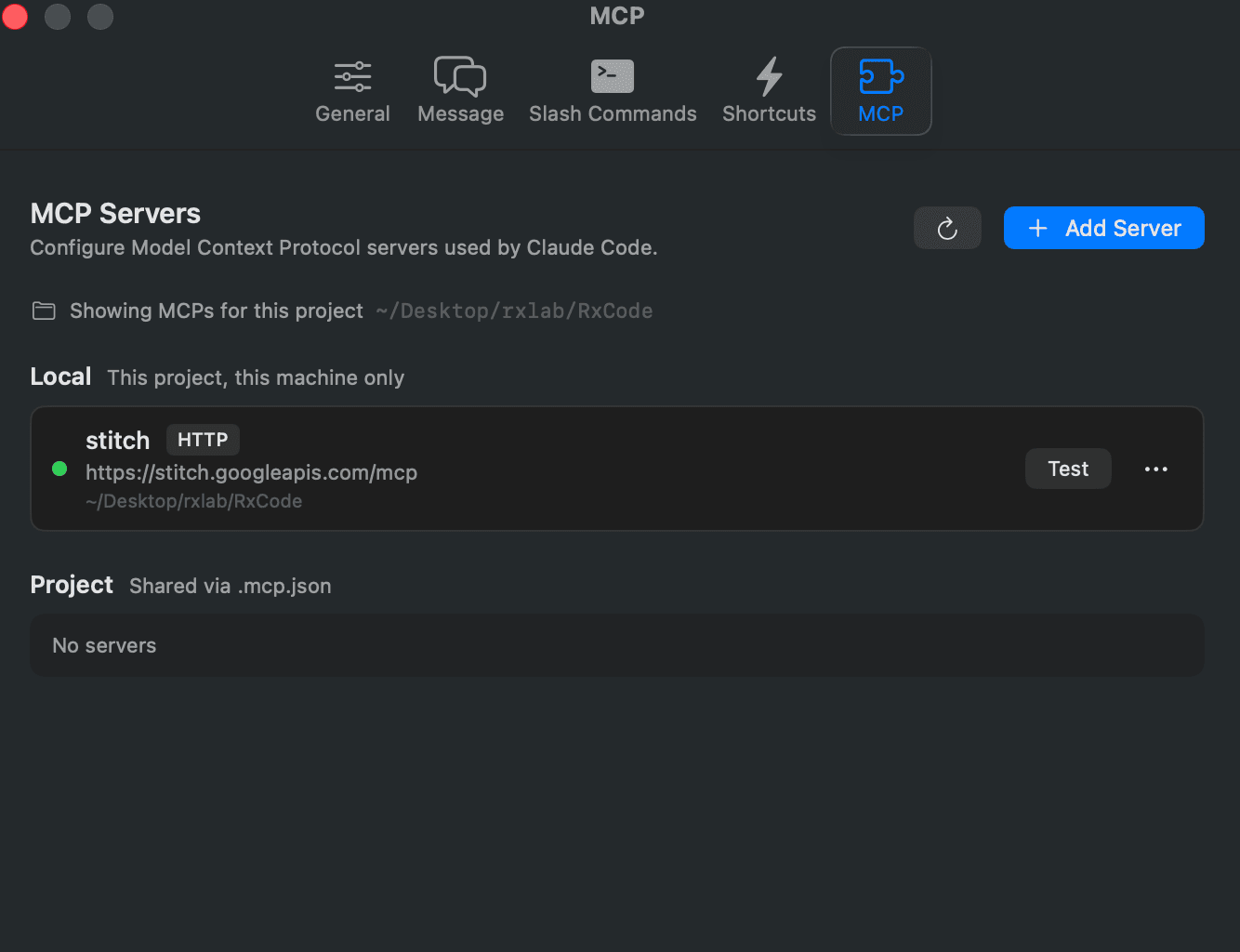
Configure, inspect, and test Model Context Protocol servers from Settings, including local and project-scoped servers.

RxCode Settings window showing MCP server configuration
Menu Bar Extra

Track progress and usage at a glance

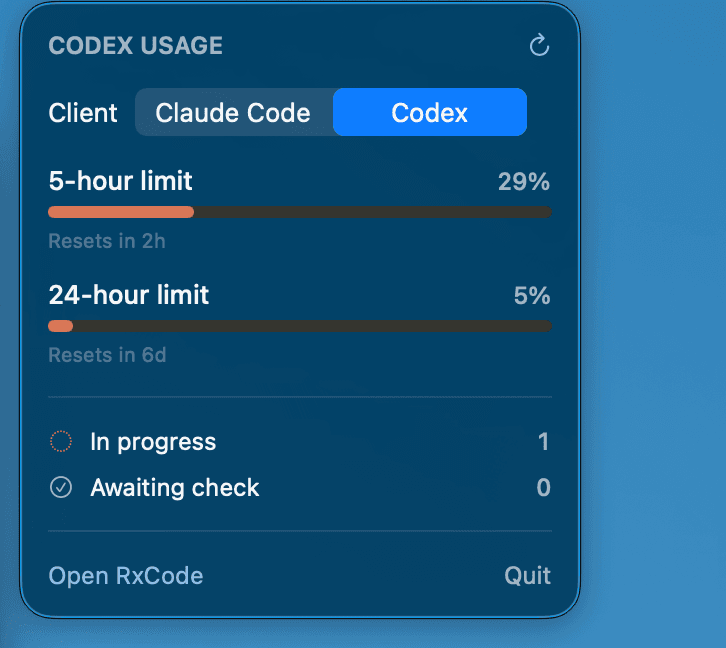
Monitor active sessions, pending checks, and Claude Code or Codex usage limits from the menu bar without opening the main window.

RxCode menu bar extra showing Codex usage limits and session progress
Editor Handoff

Open in your code editor

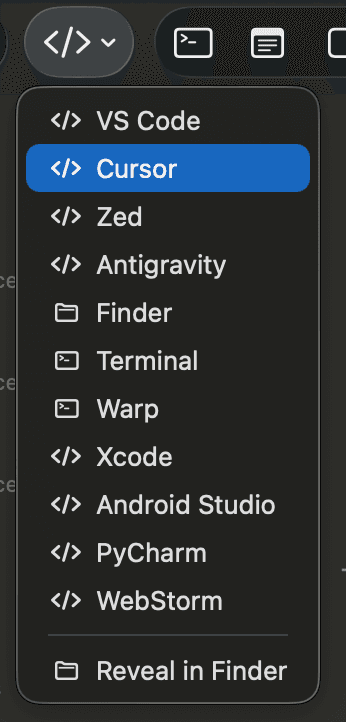
Jump directly into VS Code, Cursor, Zed, Xcode, JetBrains IDEs, Finder, Terminal, or Warp so you can manage code in the editor you choose.

RxCode editor menu with VS Code, Cursor, Zed, Finder, Terminal, and Xcode options
Thread Review

Track changes easily

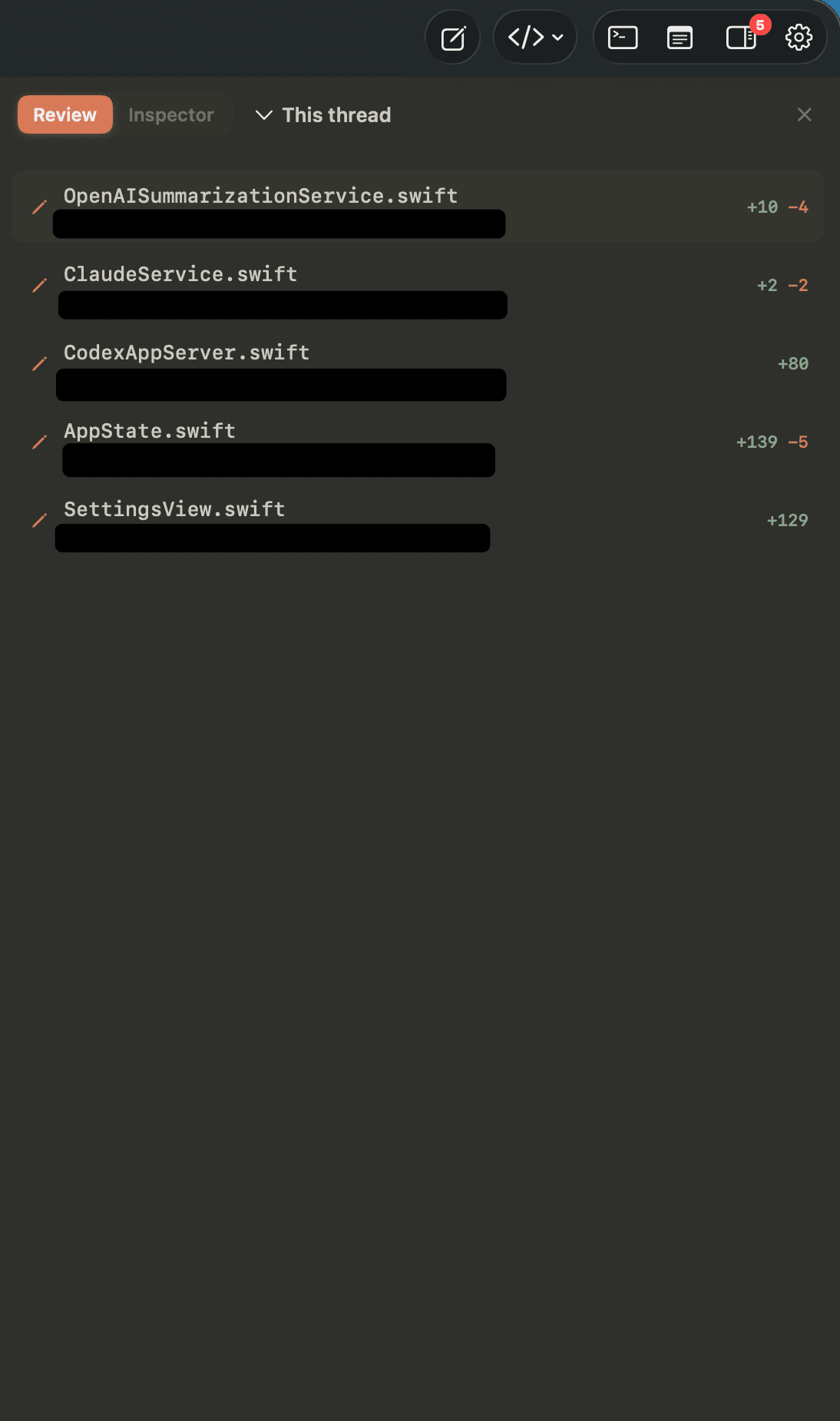
See every file changed in a thread with additions and deletions summarized together, even while multiple sessions keep running in parallel.

RxCode thread review panel listing files changed by an agent session

Ready to upgrade your AI coding experience?

Free, open source, and built for macOS. Download v1.5.0 and start driving your agents visually.